CONTACT FOR DEMO CLASS : (+91) 8951869553/52alternative

Create PowerPoint Presentations Using AI

Activities based AI Micro session with measurable outcomes.

Course Start Date:TBD

Enable participants to create professional, visual, and impactful PowerPoint presentations within minutes using Generative AI tools, templates, and automation — without design skills.

Create PowerPoint Presentations Using AI


Power of Micro-Learning Session

Learn Fast. Apply Immediately. Grow Continuously.

AI Course
Bite-Sized Learning, Maximum Impact

Learn to use Generative AI tools for smart lead generation, personalized outreach, and automated sales growth.

 
AI Course
100% Practical & Hands-On

No boring theory. Every session includes real tools, real prompts, real workflows, real AI agents, giving you skills you can use the same day.

AI Course
Stay Ahead in a Fast-Changing AI World

AI evolves every week. Micro-learning ensures you stay updated with latest tools, frameworks, and use-cases without wasting time on outdated content.
AI Course
Learn Without Disturbing Your Routine

Micro-sessions fit perfectly into your day


Create PowerPoint Presentations Using AI Micro Session Overview

“Create PowerPoint Presentations Using AI – Micro Session” is a hands-on learning experience designed to help professionals build stunning presentations in minutes instead of hours. Participants will discover how to use AI tools to generate slide outlines, convert raw text into complete decks, write speaker notes, and redesign existing presentations with themes, layouts, and visuals. By the end of the session, learners will be able to create polished, impactful PowerPoints quickly and effortlessly.

EarlyRise's AI Powered PowerPoint Presentations Using AI Micro Session Key Features
  • Generate complete presentation outlines and slides from a simple prompt
  • Redesign existing PPTs using AI-driven themes, layouts, and visuals
  • Create speaker notes, summaries, and talking points automatically
  • Save time and boost storytelling with AI-enhanced content and structure


Session Information
  • Session Date : 18th Decemeber 2025
  • Time : TBD
  • Duration : 4 Hours
  • Levels : Beginner
Social share
Benefits for Participants:

skill Create professional presentations in just minutes

skill Turn raw ideas into polished slide content

skill Enhance storytelling with AI-generated speaker notes

skill Redesign existing PPTs with modern layouts

skill Save hours of manual formatting and editing

skill Boost confidence with clear, structured presentation flow

Micro Session Participants Enrollment Options

Online Micro Session

1000

  • Learn in an instructor-led online Micro session class
  • One to one mentorship for doubt resolution
Enroll Now

Classroom Micro Session

1500

  • Classroom based Micro session
  • One to one mentorship for doubt resolution

Corporate Session Customized Based On Your Requirements

Customized to your team's needs


  • Customized learning delivery model (self-paced and/or instructor-led)
  • Flexible pricing options
Contact Us

Create PowerPoint Presentations Using AI Micro session Structure

Topics Covered
  • What AI can do inside PowerPoint
  • Types of presentations AI can generate
  • Benefits for professionals (speed, clarity, storytelling)
Hands-On Activity

Generate a complete sample presentation using Copilot/Gamma AI

Topics Covered
  • Creating outlines using prompts
  • Turning text into slides
  • Writing speaker notes with AI
  • Creating story-driven presentations
Hands-On Activity

Participants generate:

  • A slide outline
  • Bullet points from text
  • Speaker notes for 3 slides
Topics Covered
  • AI-generated themes and layouts
  • Using Copilot to redesign slides
  • AI-generated images/icons
  • Improving readability with AI suggestions
Hands-On Activity

Redesign an existing slide deck using:

  • AI layouts
  • AI visual suggestions
  • AI-generated images using Copilot/Canva
Topics Covered
  • Create charts using natural language
  • Turn data into visuals
  • AI infographic creation
Hands-On Activity

Participants upload a small dataset

AI generates:

  • Chart
  • Summary
  • Data explanation slide
Topics Covered
  • End-to-end workflow for building a full deck
  • Using AI for transitions & animations
  • Brand consistency using AI
Hands-On Activity

Participants build a 10-slide presentation using AI tools including:

  • Title
  • Agenda
  • 5 content slides
  • Visual slide
  • Chart slide
  • Summary slide
Topics Covered
  • Proofreading slides using AI
  • Rewriting slides for clarity
  • Improving tone & storytelling
  • Exporting as PDF / video using AI
Hands-On Activity

Participants polish their final deck using Copilot’s “Improve Slide”

Objective:Create a complete presentation based on a real work need.

Participants select from:

  • Business proposal
  • Sales pitch
  • Training session
  • Process explanation
  • Marketing presentation
  • Team updates
Hands-On Activity

Each learner creates and exports their fully AI-generated presentation.

Request more information

Micro Session Module

Estimated Course Duration

4 Hours

Learners Commitment

4 Hours

Course Structure

TOOLS TO COVER

chat gpt
google-gemini
power-point-smart
beautiful-ai
canva-ai-logo
copilot-logo


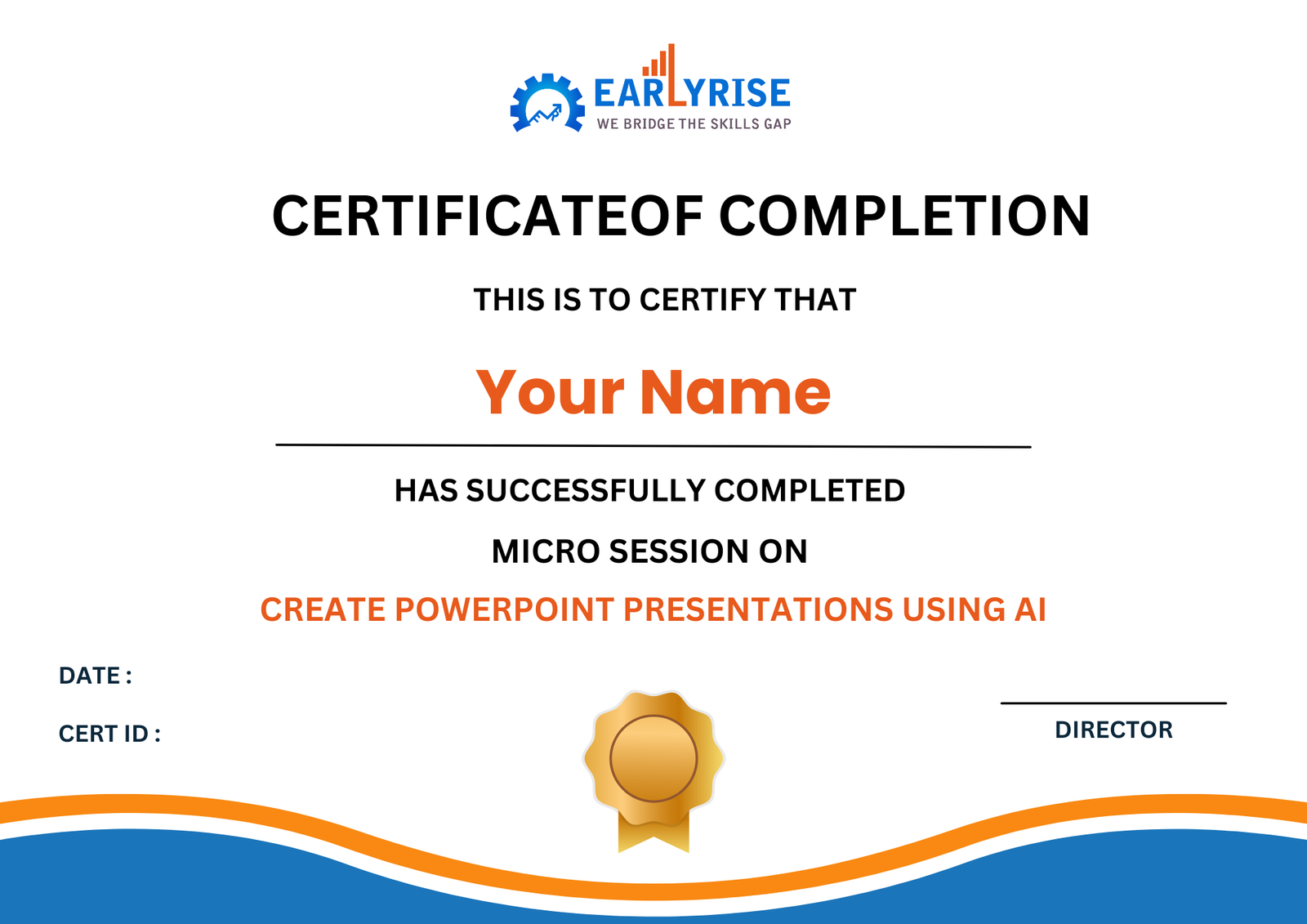
certificate

Micro Crediential Certificate From EarlyRise

Upon successful completion of the course, participants will receive a certificate from EarlyRise. This certificate is widely recognized and signifies that the holder has acquired specialized skills and knowledge in Digital Marketing. It serves as a testament to their expertise and is valued by industry professionals and employers.

Get In Touch



Micro Session Fee and Payment Method

Program Fee : Rs. 1000 + 18% GST = Rs. 1180

Candidates can pay the program fee through Netbanking, Credit/Debit cards, Cheque or DD

Does this sound interesting to you ?

Our team will be happy to assist you make the right decision

Create PowerPoint Presentations Using AI Micro session from EarlyRise?

alternative
Learn from experts active in their field

Leading industry professionals who bring current best practices and case studies to sessions that fit into your work schedule.

Nominal Course Fee

Our Course fees are very nominal and competitive. We provide Scholarship up to 50% time to time for eligible candidates.

FAQ's

You will learn how to generate complete presentations using AI — including outlines, slides, visuals, and speaker notes.

No. The session is beginner-friendly and shows step-by-step how to use AI tools inside PowerPoint.

Yes. You will work hands-on and walk away with a finished PowerPoint deck.

The session focuses on Microsoft Copilot and other AI-based tools that automate slide creation and redesign.

Absolutely. It helps marketers, trainers, educators, managers, and corporate presenters build high-impact slides faster.

Sounds exciting ?

Please fill up the form below.


Create PowerPoint Presentations Using AI Micro Session

After completing this session, participants will be able to:
  • Create complete PowerPoint presentations using AI
  • Convert raw text into polished slide content
  • Use AI for layout, design, images, and visuals
  • Generate charts, infographics, and reports automatically
  • Redesign any existing PPT within minutes
  • Build presentations 5–10x faster using AI workflows